GEMINI AGENT PLATFORM β˜• GOOGLE AI CAFΓ‰ Β· BRUSSELS Β· CONNECTED CUP EDITION
πŸ”‘ Keybooth 🎯 Submit Score πŸ† Leaderboard
PARTICIPANT ONBOARDING GUIDE Β· CLICK ANY SCREENSHOT TO ZOOM

πŸš€ Getting Started β€” Your @gcplab.me Account & Agent Platform

← Welcome Hub ⚑ Next: Challenges 1–26 β†’
βœ… 3-MINUTE CHECKLIST:
STEP 1 OF 4 Β· CREDENTIALS & LOGGING IN TIME: 60 SECONDS

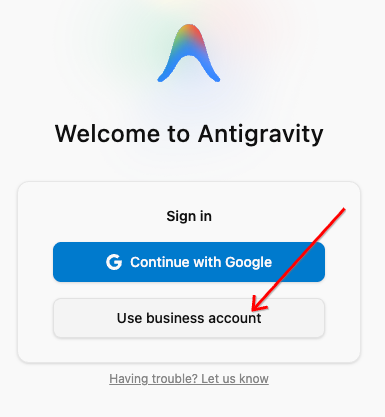
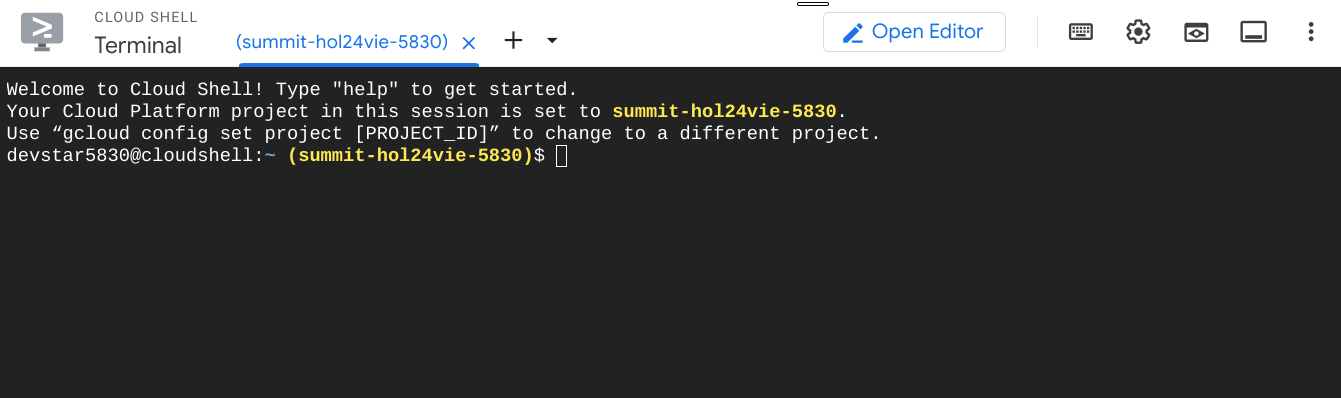
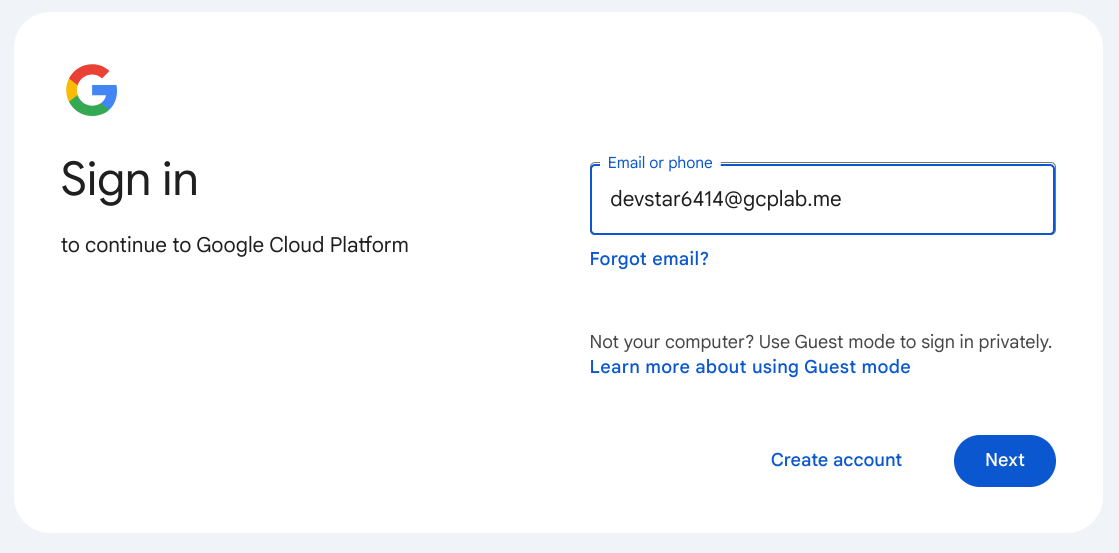
Use your assigned @gcplab.me credentials (e.g. devstar****@gcplab.me from the Sandbox Keybooth) to log into Google Cloud.

  1. Open an Incognito window (or a new Chrome profile) and head to console.cloud.google.com β†—.
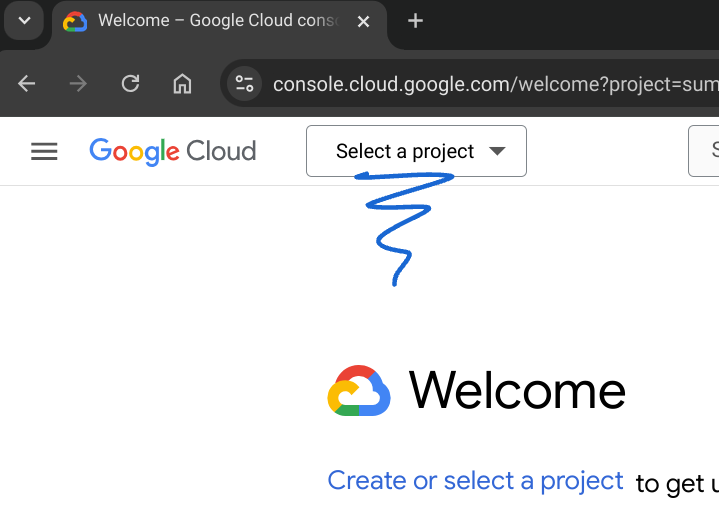
  2. Click Select a project in the top bar and select the single Google Cloud project assigned to you.
  3. And that’s it β€” your sandbox project is active! Click Next: Step 2 below to unlock Antigravity & Agent Platform.
🌐 Open Cloud Console β†—
Sign in to Google Cloud Platform using your @gcplab.me account in an Incognito window or new Chrome profile
1A. Sign in with your @gcplab.me account (click to zoom)
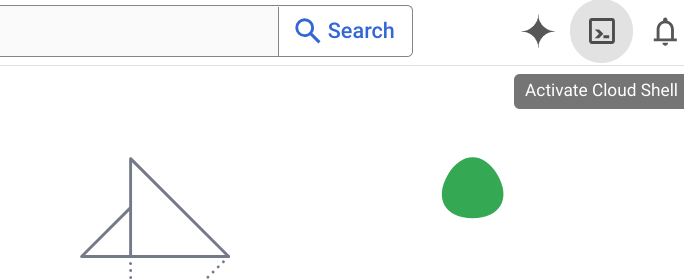
Click Select a project in the Google Cloud Console top bar and select your assigned project
1B. Select your single assigned sandbox project